
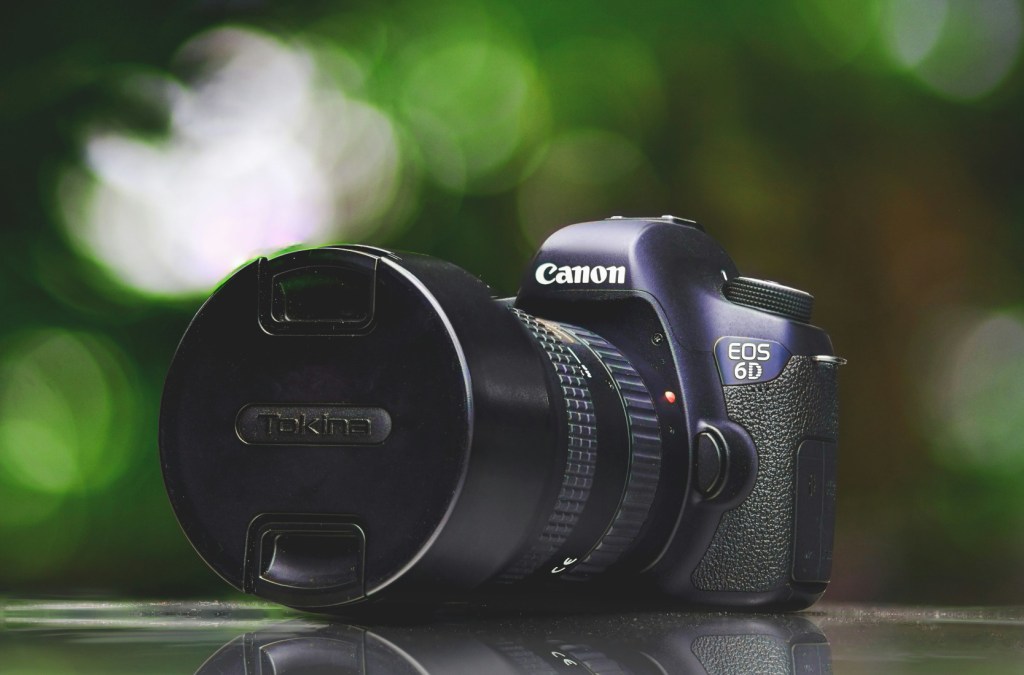
A clean, crisp camera feed looks great—but is a DSLR setup really worth it for streaming?
Here’s the honest answer: unless your content heavily features your face—like IRL streams, just chatting sessions, or full-screen camera content—you probably don’t need to jump straight to a DSLR or mirrorless setup. Especially not early on.
Most streamers use a small webcam box tucked into the corner of their layout. In that context, dropping several hundred dollars (or more) on a DSLR body, a lens, a Cam Link, a dummy battery, and proper lighting just isn’t the best return on investment. That money can usually go a lot further improving your audio, lighting, or even your overall stream branding and overlays.
Now, if your setup is already dialed in—your sound is clean, your lighting’s solid, your visuals are professional—and you’re looking to make that next leap in quality, a DSLR will absolutely deliver. It’s hands-down the best image quality you can get. But for most creators, especially newer ones, a solid USB webcam will carry you way further than you think. You can stream full-time with a high-end USB webcam and your audience won’t bat an eye.
The real question isn’t whether DSLRs are better—they are. It’s whether that jump in quality is worth the cost, complexity, and setup time for your specific needs. So let’s break it all down.
NOTE: Some links in this post are affiliate links, meaning we earn a commission at no extra cost to you. This helps support the site while we provide quality recommendations.
Webcam vs DSLR: What’s the Real Difference?
When you compare webcams to DSLR or mirrorless cameras, you’re looking at a few key categories:
- Image Quality
- Ease of Use
- Cost
- Flexibility
- Upgrade Path / Recommended Gear
Let’s go through each one.
Image Quality: DSLR Wins, But It’s Not Always Noticeable
DSLRs and mirrorless cameras give you better sharpness, dynamic range, low-light performance, and bokeh (that blurry background look). No webcam can match it.
But here’s the thing: in a small camera box on stream, that difference is way less noticeable. A good webcam with proper lighting can still look fantastic, especially at 1080p or 4K. Most viewers won’t think, “Wow, this person’s using a $1,500 camera setup.” They’ll think, “Looks clean.” That’s what matters.
Unless your face is the focal point of your content, you’re often better off upgrading your lighting and positioning first.
Ease of Use: Webcams Win, Hands Down
Webcams are plug-and-play. You plug them in via USB, set your resolution, and go live. No fiddling with HDMI outputs, dummy batteries, or overheating concerns.
DSLRs require more:
- Capture Card: Like an Elgato Cam Link to get the video feed into your PC.
- Dummy Battery: So your camera doesn’t die mid-stream.
- Clean HDMI Output: Not all cameras support this.
- Tripod/Mount: DSLRs are heavier and need secure mounting.
- Software Tweaks: You might need to fine-tune white balance, ISO, and focus manually.
It’s not rocket science, but it’s way more moving parts than a webcam.
Cost: Webcams Give You Way More Value
You can get a great webcam setup for under $200. Our go-to picks include:
- Logitech Brio 4K: One of the best webcams available. 4K resolution, wide field of view, and excellent image quality.
- Razer Kiyo Pro: Solid low-light performance and a clean, full HD look.
Compare that to a DSLR setup:
- DSLR or mirrorless camera body: $500–$1,200+
- Lens: $100–$400
- Cam Link or capture card: $100–$150
- Dummy battery + power adapter: $30–$60
- Tripod/mount: $30–$100
You’re easily looking at $800–$1,500 to get rolling. And that’s before any additional accessories.
Flexibility and Creative Control: DSLR Takes the Lead
If you love tweaking your visuals or want to create a super specific aesthetic, DSLR gives you more creative control. You can swap lenses, adjust aperture for depth of field, and get better color accuracy.
That’s awesome—but it also adds complexity. Webcams just work. For most creators, that simplicity is a feature, not a bug.
Hidden Costs of DSLR Streaming
It’s not just about the camera. To use a DSLR for streaming, you’ll likely need:
- Capture Card: Elgato Cam Link 4K or equivalent
- Dummy Battery & Adapter: So your camera doesn’t shut off mid-stream
- External Power Supply: Batteries don’t last long in live use
- Proper Mounting: You’ll need a tripod or sturdy arm
- Lighting: DSLR quality drops fast in bad light
And don’t forget the software headaches: camera shutdowns, firmware bugs, and occasional HDMI handshake issues.
If your camera isn’t on a reliable power source or it doesn’t have clean HDMI output, your stream can fall apart quickly. Webcams don’t have these problems.
When a DSLR Makes Sense
Here’s when upgrading to a DSLR or mirrorless setup actually makes sense:
- Your stream is very face-focused or you do lots of full-screen content
- You already have a DSLR lying around
- Your lighting and audio are already top-tier
- You want the best possible visual quality and don’t mind extra setup
- You create lots of YouTube content and want to upgrade your overall production value
If you check those boxes, go for it! Just make sure the rest of your setup is worth matching first.
Final Verdict: Start Simple, Upgrade Smart
For most streamers—especially newer ones—a high-quality USB webcam will do everything you need it to. Pair it with decent lighting and your video will look great.
DSLR setups are powerful, but they come with real costs—in money, time, and troubleshooting. They’re best suited for creators who’ve already outgrown their webcam and want more control and quality.
So, do you really need a DSLR to look pro? Probably not.
But do you need a solid, well-lit webcam setup? Absolutely.
Recommended Gear:
Best Webcams:
Best Lighting Options:
Want to go DSLR later? Start with this gear:
- Canon EOS Rebel SL3 + 18-55mm lens
- Elgato Cam Link 4K
- Power Adapter + Dummy Battery Kit
- Camera Tripod
For more beginner-friendly picks, check out our Recommended Gear page.


 GoLiveGear
Leave a comment