
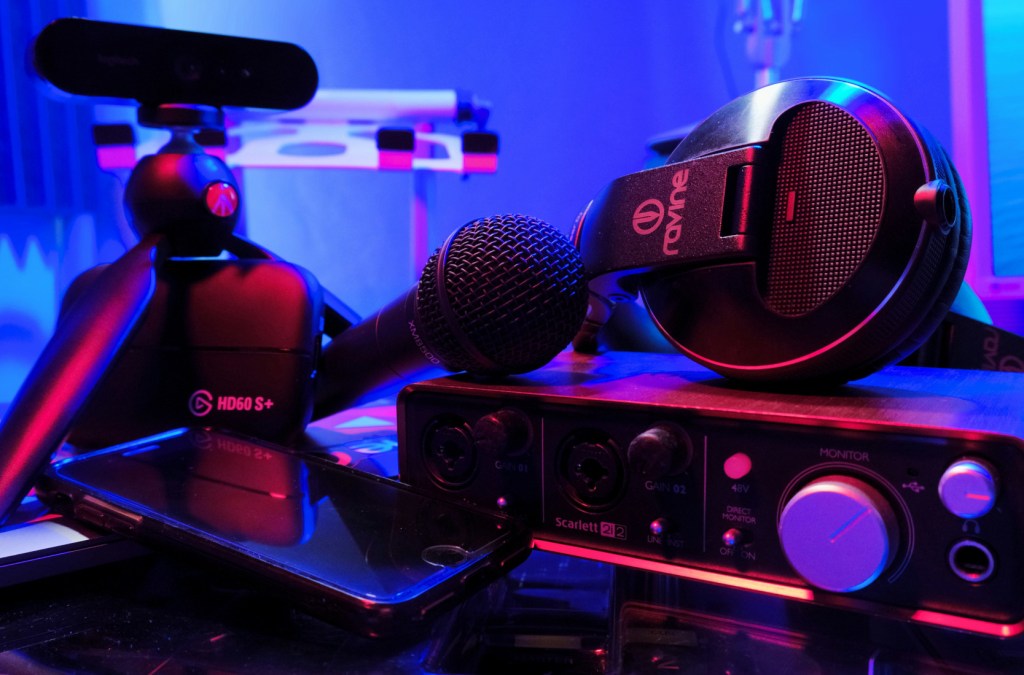
Good audio makes a huge difference when you’re streaming or creating content. Even if your camera’s a little grainy, people will stick around—unless your mic sounds bad. Then they’re out. So when it comes time to choose a microphone, one big question comes up fast: should you go USB or XLR?
The short answer: most beginners should stick with USB. But let’s break down why that is, what XLR actually offers, and when it’s worth making the switch.
Note: Some links in this post are affiliate links, meaning we earn a commission at no extra cost to you. This helps support the site while we provide quality recommendations.
What’s the Difference Between USB and XLR Microphones?
Before we get into gear recommendations, let’s cover the core differences.
USB Microphones
USB mics plug directly into your computer—no extra gear required. They’re made for ease of use, and the better ones still deliver excellent audio quality. For most streamers and creators just getting started, USB is the right move.
XLR Microphones
XLR mics are the industry standard for studios, but they don’t connect directly to your computer. You’ll need an audio interface or mixer to use one. The payoff? Better sound quality and more control—but with a steeper learning curve and a higher price tag.
Sound Quality: Is XLR Always Better?
Generally, yes—XLR mics have the potential to deliver better audio, especially in treated environments or when paired with the right gear. But here’s the catch: the difference isn’t always dramatic, especially if your stream setup isn’t optimized for audio.
A good USB mic like the Blue Yeti or Shure MV6 will still sound excellent on Twitch, YouTube, or Zoom. Unless your content requires studio-level audio, USB will do the job just fine—and often better than a budget XLR setup with a cheap interface.
Setup Complexity: Plug and Play vs. Tweak and Tune
USB Setup:
- Plug in the mic.
- Select it in your streaming software.
- Done.
XLR Setup:
- Plug mic into an audio interface.
- Adjust gain levels manually.
- Possibly use a Cloudlifter or mic activator (especially for gain-hungry mics like the Shure SM7B).
- Set up routing in OBS or your DAW.
None of this is hard, but it does take more time and technical understanding. If you enjoy tinkering and want maximum control over your audio chain, you might love it. But if you’re just trying to hit “Go Live” with solid audio? USB wins.
Price: The Real Cost of Going XLR
Let’s break this down:
| Category | USB Mic Setup | XLR Mic Setup |
|---|---|---|
| Entry-Level | $50–$100 (e.g., Blue Snowball) | $100–$150 (e.g., SM58 + cheap interface) |
| Mid-Range | $100–$150 (e.g., Blue Yeti, Shure MV6) | $250–$400 (e.g., MV7+ + interface) |
| High-End | $200–$250 (Shure MV6, Elgato Wave DX + interface) | $400–$600+ (SM7B + Wave XLR or GoXLR Mini + Cloudlifter) |
XLR mics might seem affordable on their own, but once you add an interface, boom arm, cables, and accessories, the costs jump fast.
So… Which Should You Get?
Here’s the honest breakdown:
✔️ Stick with USB if:
- You’re new to streaming or content creation.
- You don’t want to deal with extra audio gear.
- You’re on a budget but still want to sound good.
Top Picks:
- Blue Snowball – Budget-friendly and solid for beginners.
- Blue Yeti – Still one of the best USB mics out there.
- Shure MV6 – Premium USB sound without the XLR setup.
✔️ Go XLR if:
- You’re ready to upgrade your whole audio chain.
- You want studio-level quality and maximum control.
- You already have an interface (or plan to buy one).
Top Picks:
- Shure SM58 – Budget-friendly XLR classic.
- Shure MV7+ – USB/XLR hybrid that’s super versatile.
- Shure SM7B – The gold standard for pro-level audio.
The Best of Both Worlds: USB/XLR Hybrid Mics
Some mics offer the flexibility to start with USB and upgrade to XLR later. The Shure MV7+ is a standout—it lets you use USB at first, then switch to XLR when you’re ready. It’s pricier than most beginner mics, but it can grow with you.
Final Thoughts
There’s a lot of hype around XLR mics—and yeah, they’re great. But most streamers and creators don’t need one.
USB mics like the Blue Yeti or Shure MV6 offer amazing sound, minimal setup, and let you focus on your content, not your gear. If you’re just starting out, go USB and spend the extra money on lighting, a decent camera, or a good chair. You’ll get way more return.
But if you’re leveling up and want that final 10% of polish? XLR is waiting for you—with a steeper price tag and a learning curve to match.
Need gear recommendations?
Check out our Best Microphones for Streaming & Content Creation guide—it covers all the top USB and XLR mics, interfaces, and accessories for every budget.


 GoLiveGear
Leave a comment